
Week 4- Electronic Dice Machine
- Audrey Schank

- Nov 17, 2024
- 2 min read
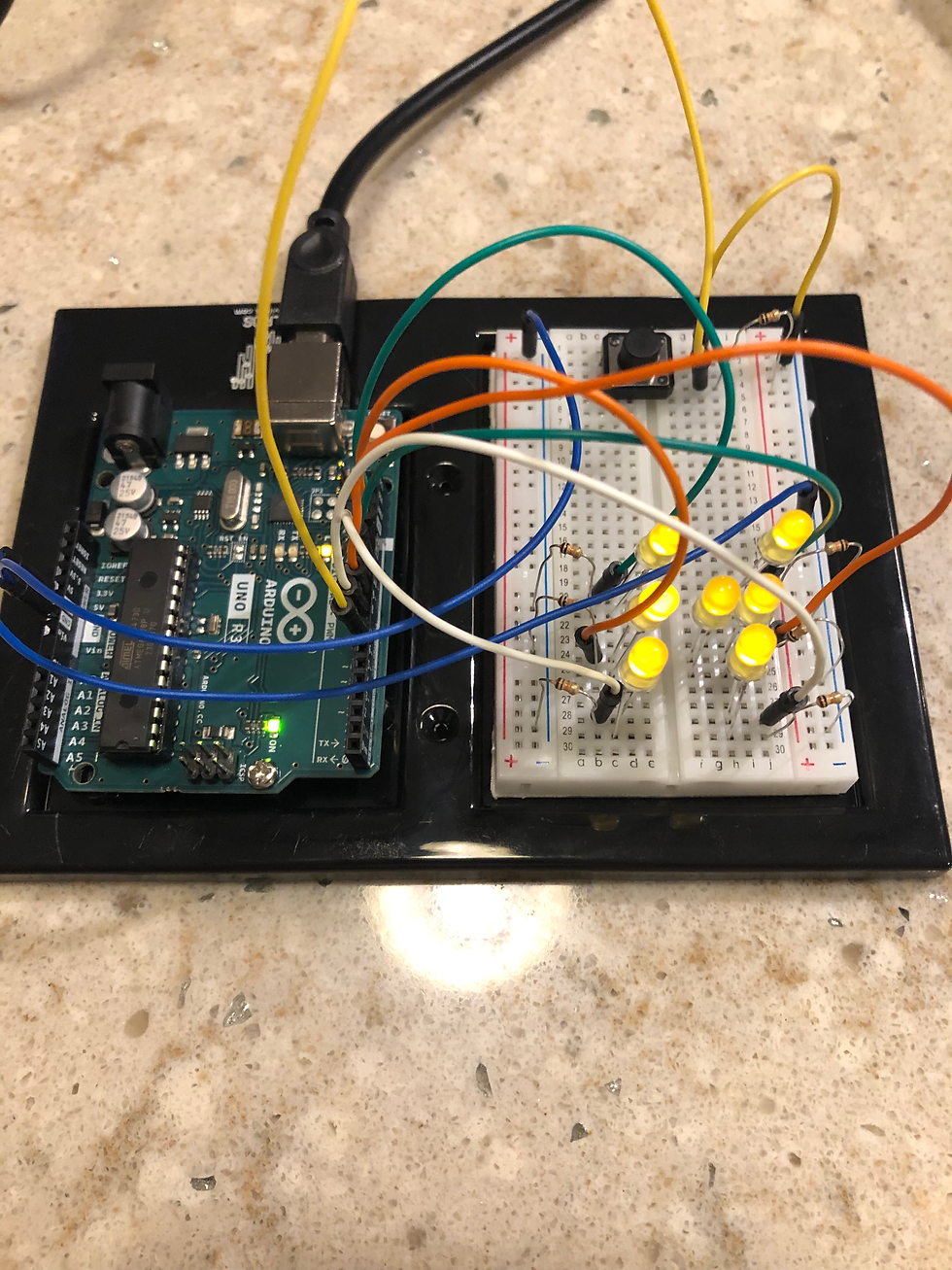
It has been another stressful week of Maker Challenges! We were challenged to build an electronic dice machine, press the button to roll the dice 100 times, and then make a graph of the results we got. While I did not have as much success as I would have liked, I feel like I did make some progress in understanding the Arduino Uno and coding this week. Instead of completing the electronic dice machine, I think I accidentally completed a previous week's challenge of multiple LED's. So while not a success for the week, I am still counting it as a win!
I started much earlier in the week for this challenge because being on my own was actually terrifying and I knew I would need all the time I could get. I would estimate that I spent 10-12 hours over the course of the week trying to complete this challenge. Once I got all my wires and LED's connected and the code inputed, I kept getting error after error and no lights. This is what has happened in past weeks and I am usually not able to get past it. I was not about to give up this easily again because the dice machine videos looked really interesting and I had plenty of time to explore. I went line by line with the code trying to figure out where I went wrong and fixed a few typo errors. When I ran the code again, half of my LED"s lit up! This little bit of progress gave me a great amount of hope! I must be doing something right at least! Remembering in weeks past that I had LED's reversed, I gave this a try and turned around the 3 LED's that were not lighting up. To my great surprise it worked and all of lights were shining! The problem was that I did not want all the lights to light up at the same time!
My lights started blinking at random, they would go off for about 20-30 seconds, then blink for a few seconds and repeat. Pressing the button did not seem to do anything, so I figured I had done something wrong there. I tried turning the button around, adjusting the wires and resistor, and still it did not change anything. I thought maybe I had a defective button or bad wires, so I changed everything out and also turned the resistors around. This did not seem to make a difference. I was not getting errors on the code at least, but just could not figure out where the problem was. When I would wiggle the wires sometimes it would cause the lights to blink, but not always. I double and triple checked that wires and resistors were in the correct places. This has been difficult and required the use of a magnifying glass because it is very difficult for me to see the tiny spaces and some of the labels on the breadboard have started wearing off so I have to count them each time to make sure things are connected in the right spaces.
I appreciate any feedback my classmates can offer on where I am going wrong with this!


Comments